
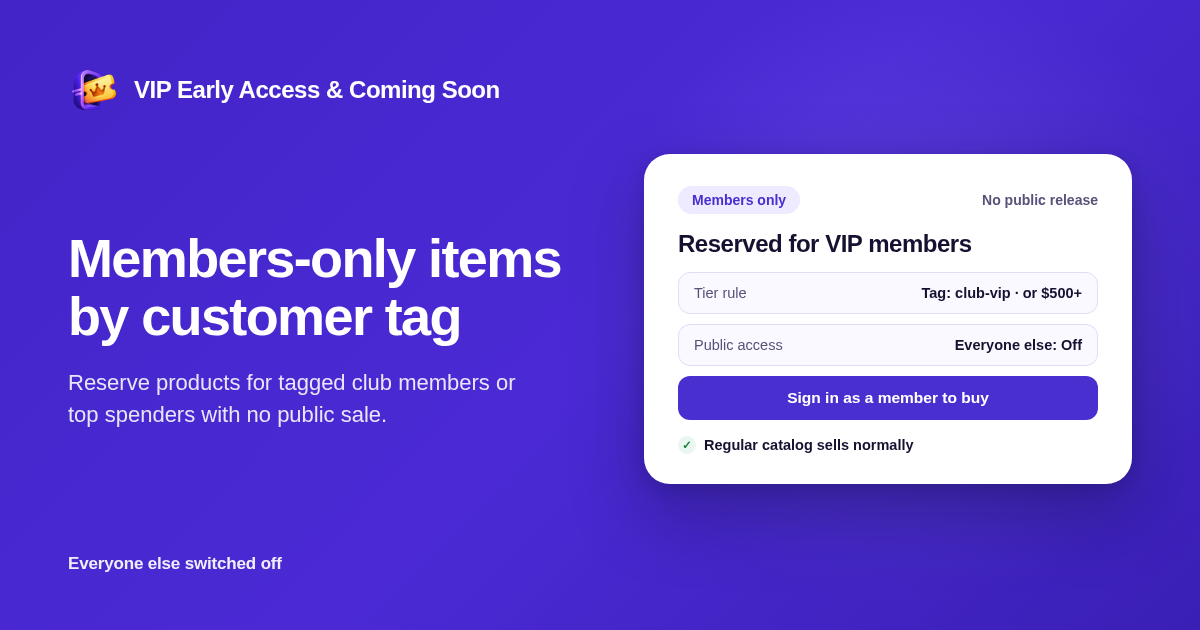
Want certain products reserved exclusively for tagged members, loyal spenders, or club customers — with no public sale date at all? Here is how to run a members-only catalog on Shopify without editing theme templates.
Not every exclusive release is a temporary drop that opens to the public later. Many Shopify stores run permanent or seasonal members-only items: club merch, collector allocations, loyalty rewards, or special editions reserved strictly for customers who carry a specific tag or meet a spend/order threshold.
You can set that up cleanly in Shopify by combining customer tags (or spend/order rules) with a VIP-only launch.
How members-only gating works without breaking your store
Instead of duplicating products, managing complicated Liquid conditions across themes, or charging into a heavy membership suite when you already tag customers via Shopify Flow, Klaviyo, or a loyalty app:
- Define who counts as a member: in VIP tiers, create a tier matching up to 20 customer tags (for example
member,club-vip, or a loyalty tier tag) — or set automatic rules based on total spent or order count (or any mix of the three). - Create a members-only launch: pick the products or collection you want to reserve.
- Leave "Everyone else" turned off: when Everyone else is off, the launch never opens to the general public. It stays members-only until you end it or until an optional end date.
- Give members one place to browse: point members to your store's VIP page (either the theme app block or
/apps/early-access), where signed-in members see every members-only item unlocked for them.
What non-members and guests see
- On the product page: guests and non-members see a clear notice that the product is only available for VIP members, with Add to cart disabled and a sign-in prompt for guests.
- At checkout: Shopify's checkout validation blocks checkout for anyone who is not signed in to an eligible member account (
"This product is only available to members."), including express checkouts like Shop Pay and staff draft orders. - Your public catalog: every other product in your store stays completely unaffected.
What this setup does — and what it does not
Being clear about scope avoids surprises:
- What it handles: gating who can buy specific products by customer tag, spend, or order count; showing a members-only panel and VIP page; enforcing the rule at checkout; and optionally capping units per member.
- What it does not replace: if you need to charge recurring membership fees, use a subscription app to bill and apply a tag on active subscription (then feed that tag into your VIP tier). Also, products stay visible in search as teasers unless you hide them separately with
seo.hidden.
Customer accounts are required
Shopify only exposes customer tags and metafields once a shopper logs in. Remind members to sign in to their store account before checking out.
Check the pricing page — members-only launches are available on every plan, including Free. You can also read Build VIP Tiers on Shopify From Tags, Spend or Orders.
Frequently asked questions
Can I keep a product members-only permanently with no public release?
Yes. Leave the Everyone else switch turned off when creating a launch and there will be no public opening time — only selected tiers can buy until you end the launch.
Can I use tags from Shopify Flow or a subscription app?
Yes. Any customer tag in Shopify works — whether added by you, a CSV import, Shopify Flow, a loyalty app, or a subscription/membership billing app.
Can membership be automatic based on spend or order count?
Yes. You can create a tier based on total spent, order count, customer tags, or a combination of all three (matching when any condition is true).
Will my regular products still sell normally to everyone?
Yes. Your regular products are untouched. Only the products or collections placed inside a members-only launch are restricted.
Reserve select products for tagged members or top spenders with native Shopify checkout enforcement — free to start.
Install VIP Early Access on Shopify